
Godzilla Melee Remastered on Steam Deck: Playable?
Godzilla Melee Remastered has no official Steam Deck rating. What Valve's data shows, how to force Proton, and what to expect from the PC specs.
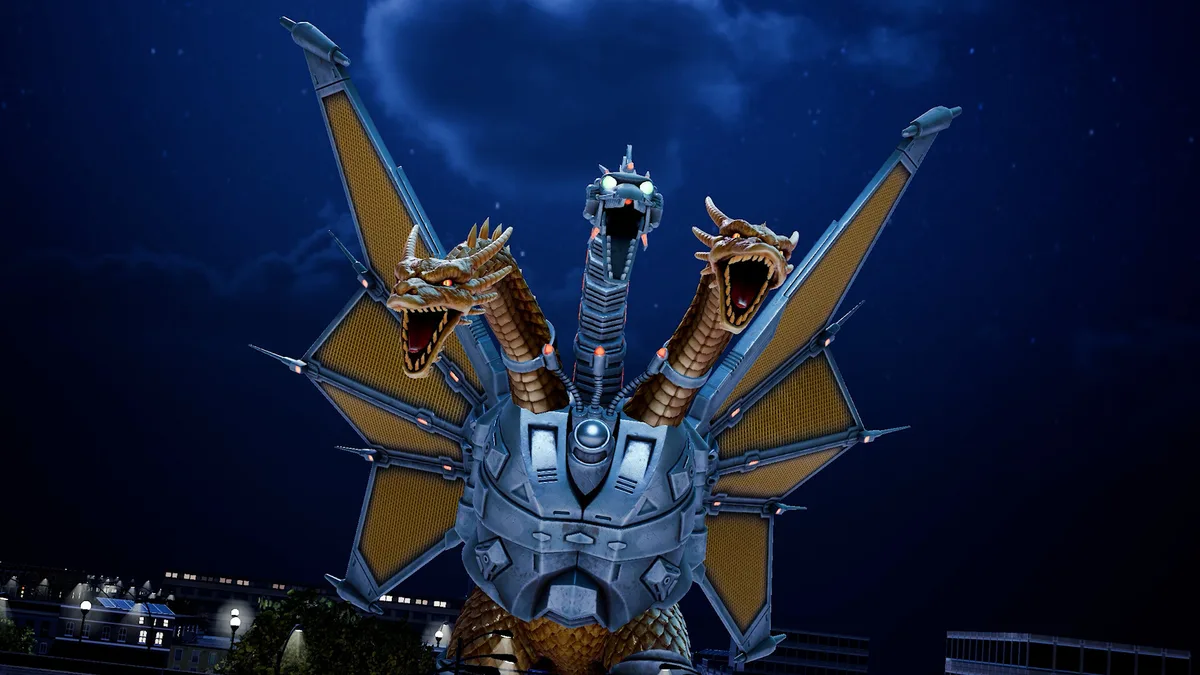
Quick answer: Godzilla: Destroy All Monsters Melee Remastered is not officially rated for Steam Deck. Valve's compatibility API returns "Unknown", not "Verified", "Playable" or "Unsupported". That means Valve has not published a verdict, not that the game is broken. The PC version is Windows-only, so on Steam Deck it runs through Proton. There is no native Linux build and no official Deck performance profile.
This page separates what is confirmed from what you can only test yourself.
Steam's Deck compatibility data has four states: Verified, Playable, Unsupported and Unknown. Unknown is the absence of a rating. It is not a hidden "Unsupported" label.
[!guide] godzilla-melee-remastered-system-requirements The PC requirements page lists the official minimum and recommended specs.
What Valve's data says
| Item | Status |
|---|---|
| Deck compatibility | Unknown (no rating) |
| Native Linux build | No |
| Windows build | Yes |
| Proton required | Yes |
| Controller support | Full |
| Anti-cheat | Not listed as a Deck blocker |
| Official performance target | Not published |
The store page lists Full Controller Support, which matters on Deck: the game is designed to be played without a keyboard and mouse. The official minimum also asks for 16 GB of RAM, the same amount the Deck shares between CPU and GPU. That does not prove it runs well, but it removes the most common "too little memory" blocker.
Why the rating may still be missing
A remaster can launch without a Deck rating for several reasons:
- The developer has not submitted a build for Valve's review.
- The review is pending.
- The game uses middleware or a launcher that needs a separate check.
None of those is confirmed for this game. What is confirmed is that Valve has not published a result. Do not treat a Reddit or YouTube comment as an official rating.
How to install it on Steam Deck
- Open Steam on the Deck and go to your Library.
- Find Godzilla: Destroy All Monsters Melee Remastered. If it is not there, install it from the Steam store on the same account.
- Press Install. Steam will download the Windows build.
- Open the game's Properties → Compatibility.
- Tick Force the use of a specific Steam Play compatibility tool and choose Proton Experimental first. If that fails, try the latest stable Proton.
- Launch the game and check the opening menus before starting a match.
If the game launches but the text is too small, use the Deck's magnifier (hold the Steam button and use the right trackpad) rather than changing the game's resolution blindly. If it launches to a black screen, verify the files and try a different Proton version.
What performance should you expect?
There is no official benchmark. The minimum desktop GPU is a GTX 1650, which is stronger than the Deck's integrated GPU. The game is built in Unreal Engine 5, and the minimum CPU is a Ryzen 5 5625U. Those facts suggest the Deck will be at the low end, but they do not tell you the frame rate.
What I would check first:
- Adventure Mode, because it has the most effects and the largest arenas.
- Four-player local versus, because four monsters and destruction effects are the heaviest load.
- Online 1v1, because network performance and frame rate are separate issues.
If those hold up, the rest of the game will too. If they do not, there is no official Deck preset to fall back on.
Controls on Deck
The game has full controller support, so the default Deck layout should work without a community binding. The face buttons, triggers and sticks map to the console layout. If you want to remap, do it through Steam Input rather than the in-game menu; the controls page lists the console and keyboard defaults.
The one Deck-specific annoyance is text size. The UI was built for a TV, and the Deck's 7-inch screen makes damage numbers and menu labels small. That is a comfort issue, not a compatibility failure.
Online play on Deck
The game supports online multiplayer, but official sources do not say whether it works on Steam Deck through Proton. There is no announced anti-cheat block. The practical test is to join a quick match after the tutorial. If matchmaking fails, try a local match first to confirm the game itself is running.
Crossplay is covered on the crossplay page. Deck players are PC players, so any PC-to-console crossplay rules apply to them.
Should you buy it for Deck?
Buy it for Deck only if you accept that you are an unsupported configuration. Steam's refund window gives you a way to test: if the game will not launch or runs poorly, request a refund within the standard limits. Do not buy the Deluxe Upgrade for Deck before confirming the base game runs.
If you want a guaranteed portable version, the Switch and Switch 2 releases are the official handheld options. The platform page compares them, including the Switch 2 price difference.
FAQ
Is Godzilla Melee Remastered Steam Deck Verified? No. It has no rating; Valve's data says Unknown.
Does it run on Steam Deck? It can run through Proton, but there is no official confirmation or performance target.
Is there a native Linux version? No. The PC release is Windows-only.
Does it have controller support? Yes, the store lists Full Controller Support.
Will online multiplayer work on Deck? Official sources do not say. There is no announced anti-cheat block.
What Proton version should I use? Start with Proton Experimental, then try the latest stable Proton if it fails.
Sources
Official source: Godzilla: Destroy All Monsters Melee Remastered on Steam for the Windows-only build, controller support and system requirements.
- Steam Deck compatibility data for the current rating state.
- ProtonDB for community reports, which are not official.
- Atari product page for the official platform list.
[!next] Related pages
- PC requirements: the official minimum and recommended specs.
- Platforms: Switch, Switch 2, PS5 and Xbox versions.
- Controls: controller and keyboard layouts.
More Godzilla: Destroy All Monsters Melee Remastered Guides
How to play Destoroyah in the remaster: closing space, turning one opening into huge damage, and managing the commitment that makes him high-risk.
How to play Gigan in the remaster: buzzsaw pressure, chest laser zoning, movement mix-ups, and the defense you need to survive his small health pool.
How to play Godzilla 2000 in the remaster: the faster Godzilla's pressure game, spiral breath punishes, Rage timing, and the matchups where speed fails.
How to play Godzilla in the remaster: the neutral game, atomic breath timing, Rage Mode usage, and the matchups that punish careless beam spam.
How to play King Ghidorah in the remaster: using three heads and gravity beams to control space, when to stomp, and how to survive when a brawler gets inside.
How to play Kiryu in the remaster: the freeze tool, maser zoning, heavyweight normals, and the setup routes that make him the highest-ceiling monster.
How to play Mecha-King Ghidorah in the remaster: using cable traps and gravity beams to control space, and why the setup character is harder than King Ghidorah.
How to play the Showa Mechagodzilla in the remaster: armor trades, missile pressure, beam zoning, and the close-range weakness that keeps him honest.